
Bring the evidence
Host supported processed datasets, or discuss a prepared inspection package with the team.
One workspace for asset evidence
Bring maps, models, point clouds and inspection imagery into a shared workspace. Give your team the context to review findings and decide what needs attention.
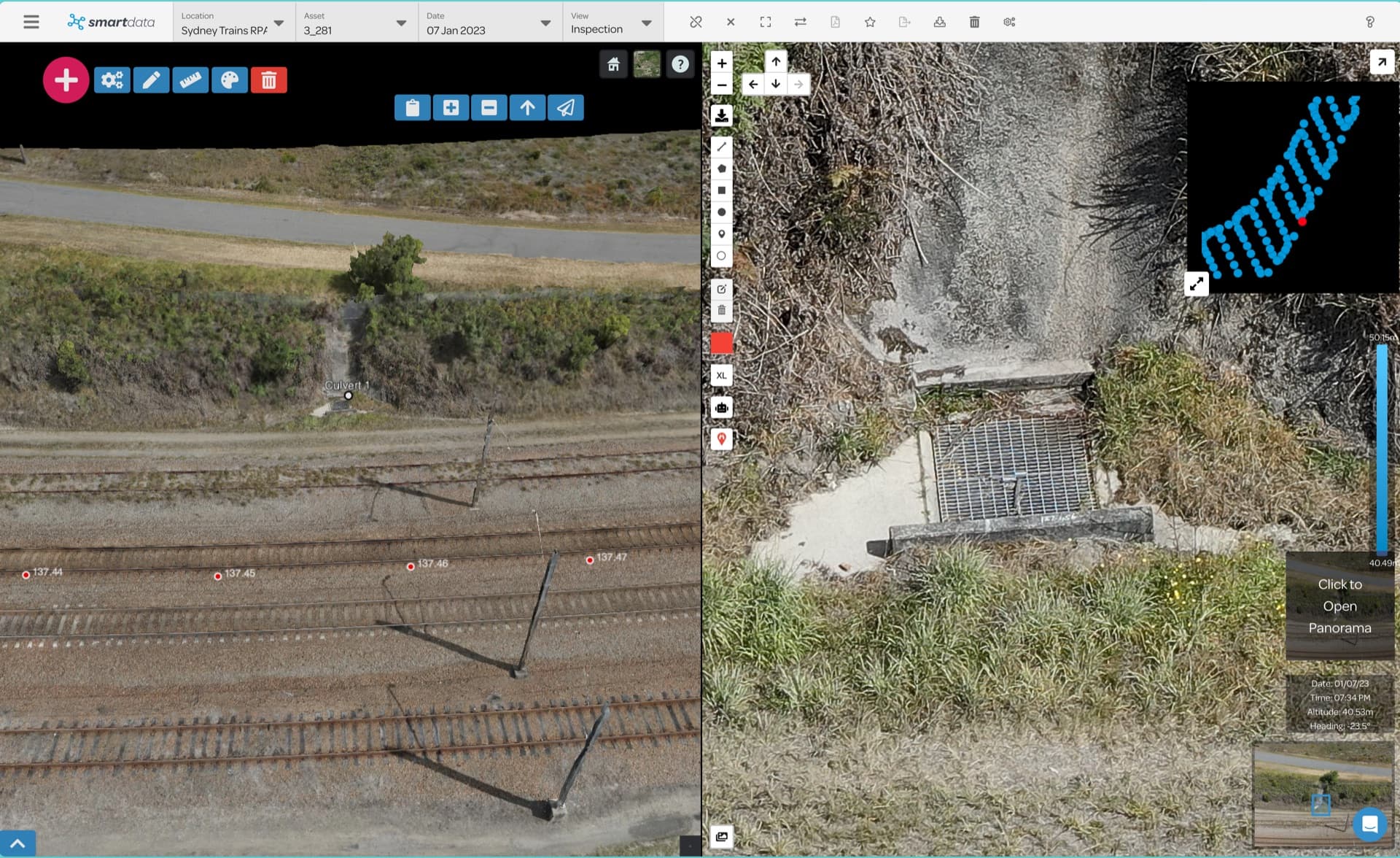
Start with the asset in context. Move into its geometry or imagery as your review requires.
See the asset in context. Inspect the detail beside it.
Rail inspection · 3D model and source imageryThese screenshots show SmartData workspaces. The public demo contains selected sample assets. Linked imagery depends on the supplied package.
Host supported processed datasets, or discuss a prepared inspection package with the team.
Use the relevant map, model or point cloud. Check source imagery where the package includes image links.
Keep annotations with the asset. Agree on the report, export and team access your project needs.
Your data determines the detail. SmartData makes supported outputs available for review in the browser.
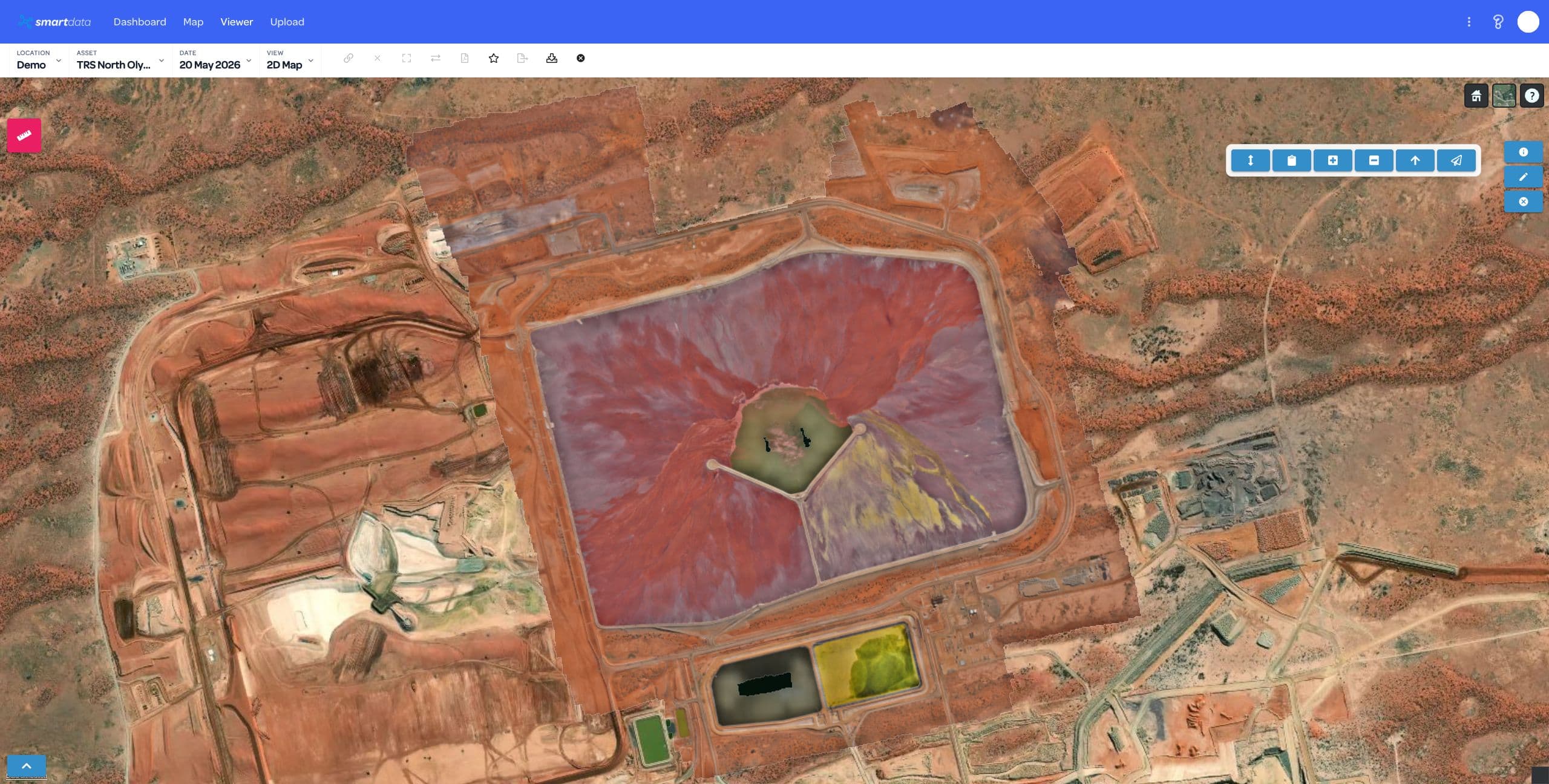
Review orthomosaics, locate features and keep a shared view of the site.
Explore the workflow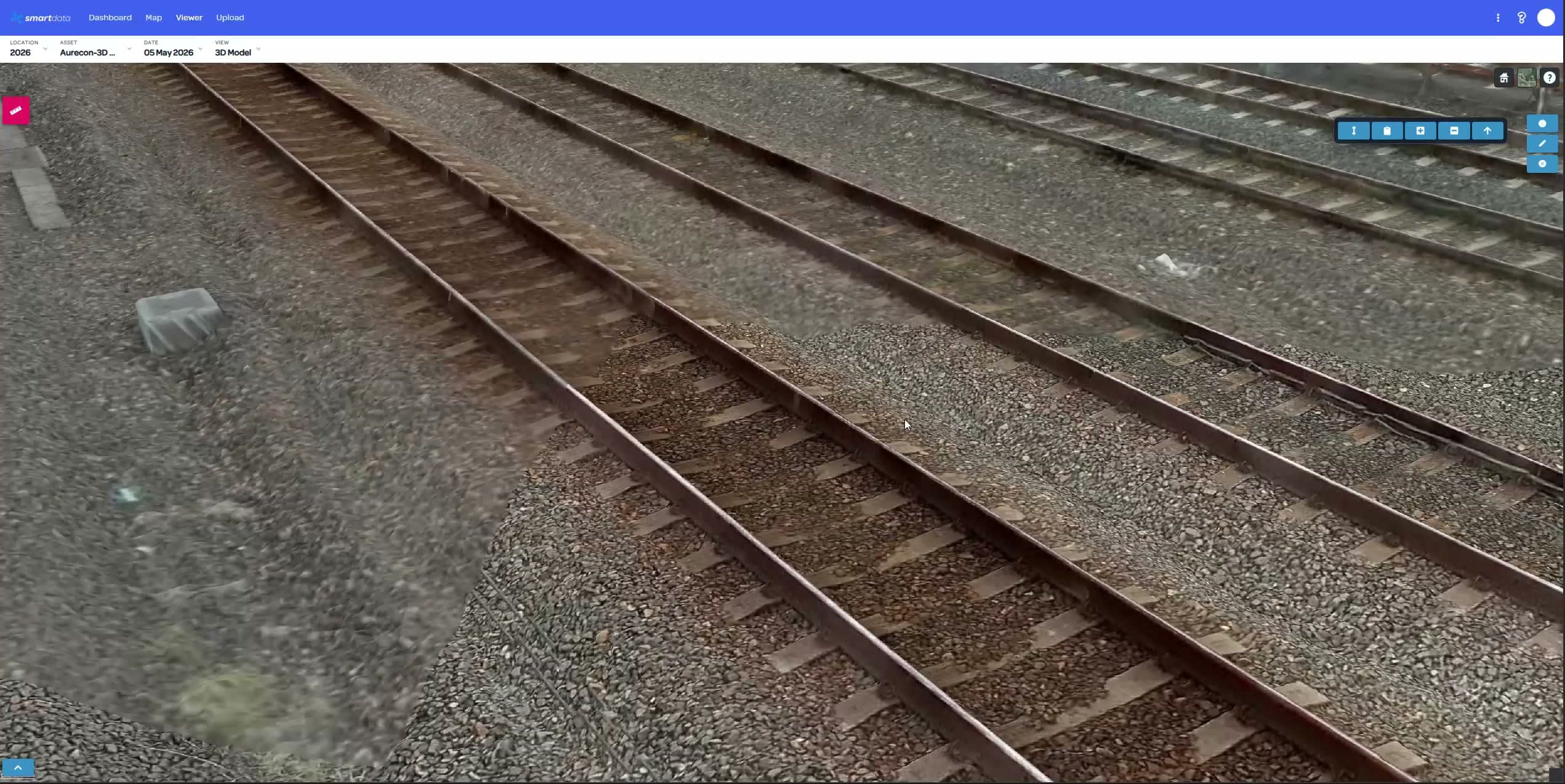
Inspect asset geometry and spatial detail from supported 3D packages.
Explore the workflow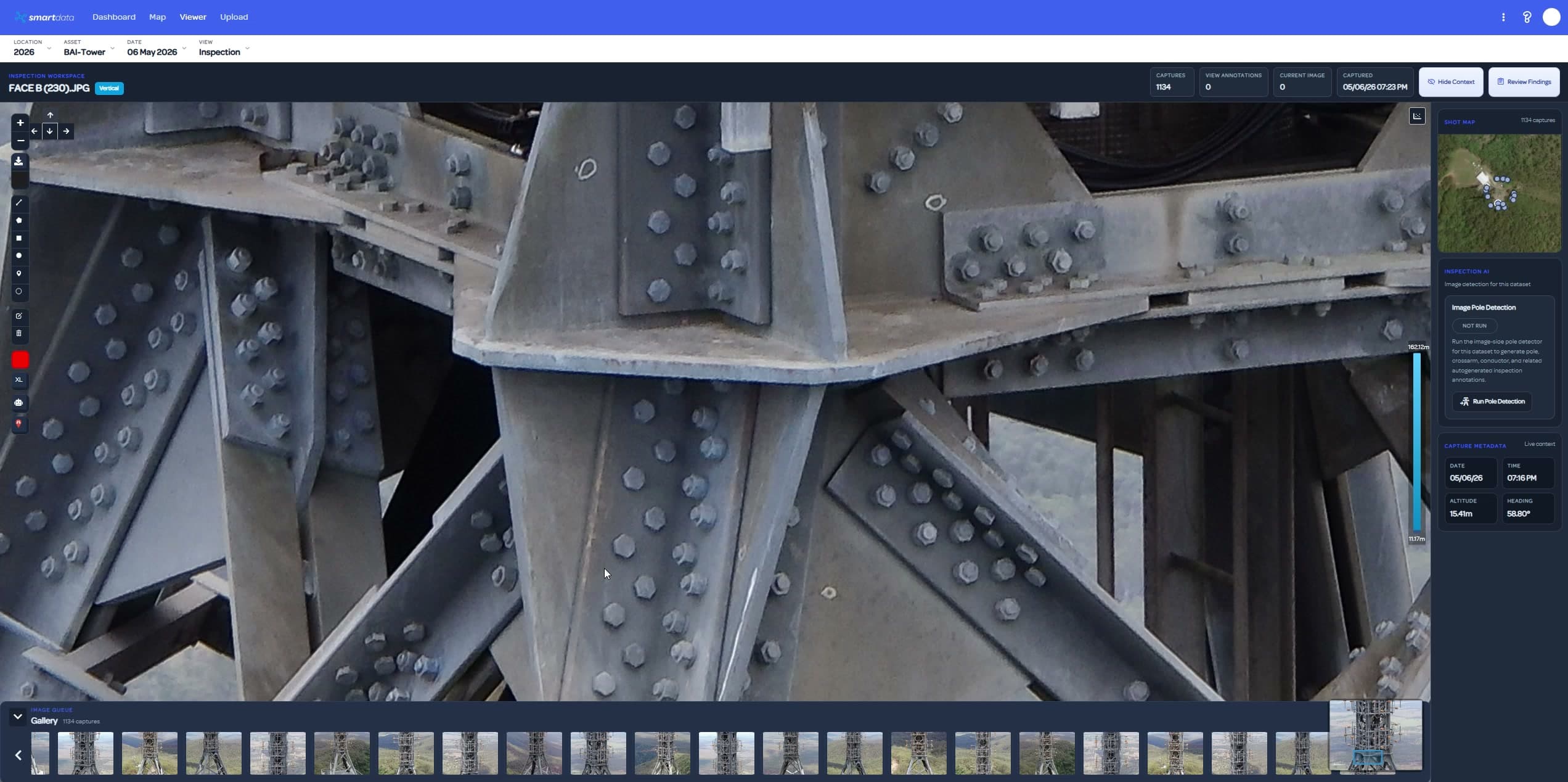
Locate a finding, check the image and keep the review with the asset.
Explore the workflowAlready use DJI Terra, Agisoft Metashape or another processor? Start with BYO package compatibility and hosting plans.
For asset programs, start with the decisions, evidence and outputs your reviewers need. We will check the workflow fit.
Explore L3, Elios, powerline and forestry workflows. Each page states its current availability and project requirements.
Tell us what your team needs to review. We will show the relevant workflow and agree on a practical first step.