SmartData
Menu
Try demo sandbox1300 759 843hello@nationaldrones.com.au

2D mapping that stays useful after the flight

Host orthomosaics, terrain, measurements, and annotations in a workspace built for teams that need to compare sites, prove progress, and hand off decisions.

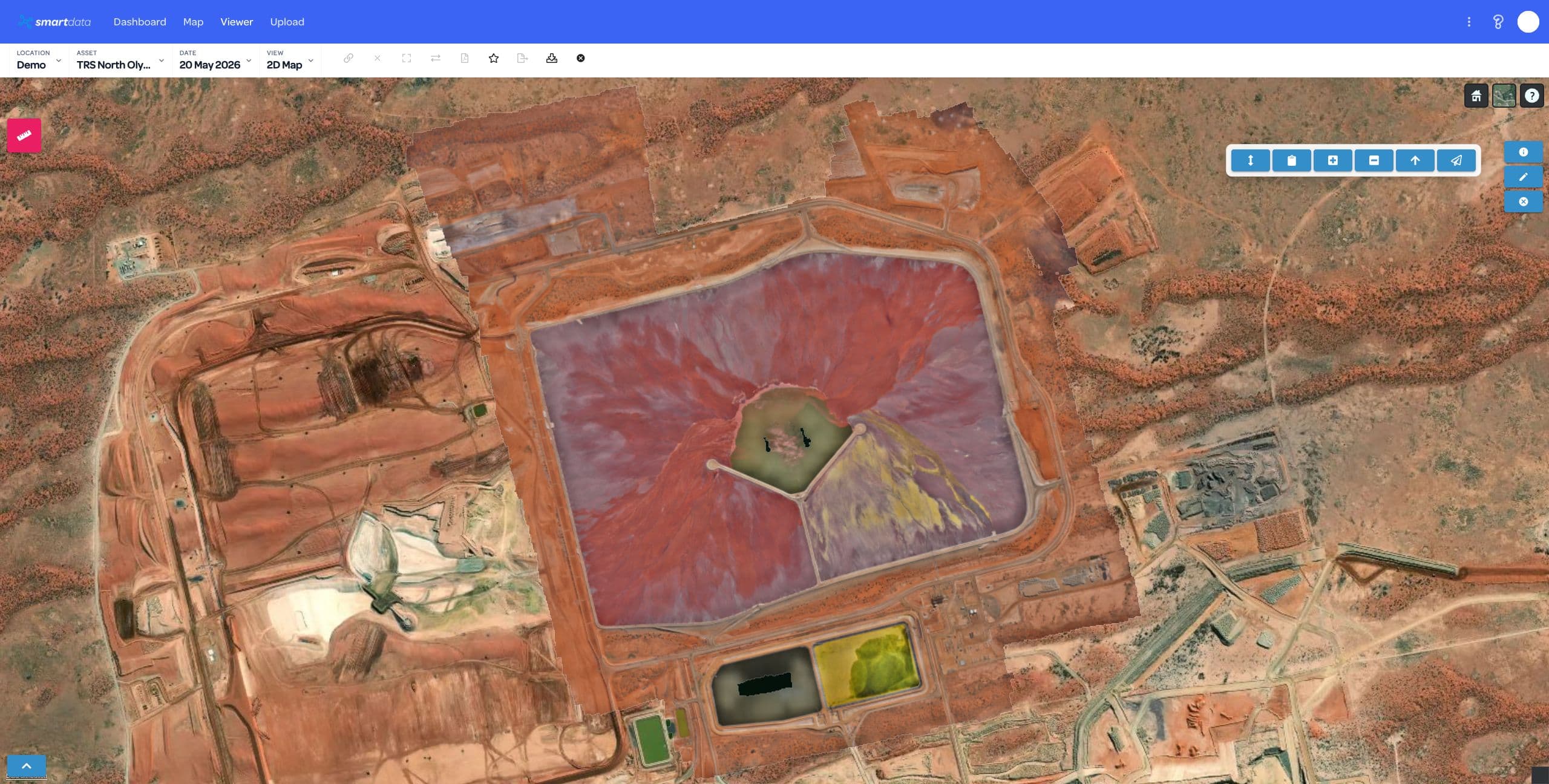
SmartData 2D mapped site view

Map detail

<3cm

Use cases

6+

Sharing

Secure

A living project map, not a static deliverable

SmartData keeps the capture connected to measurement, review, and reporting. Teams can move from broad site context to a specific issue without needing everyone to be a GIS operator.

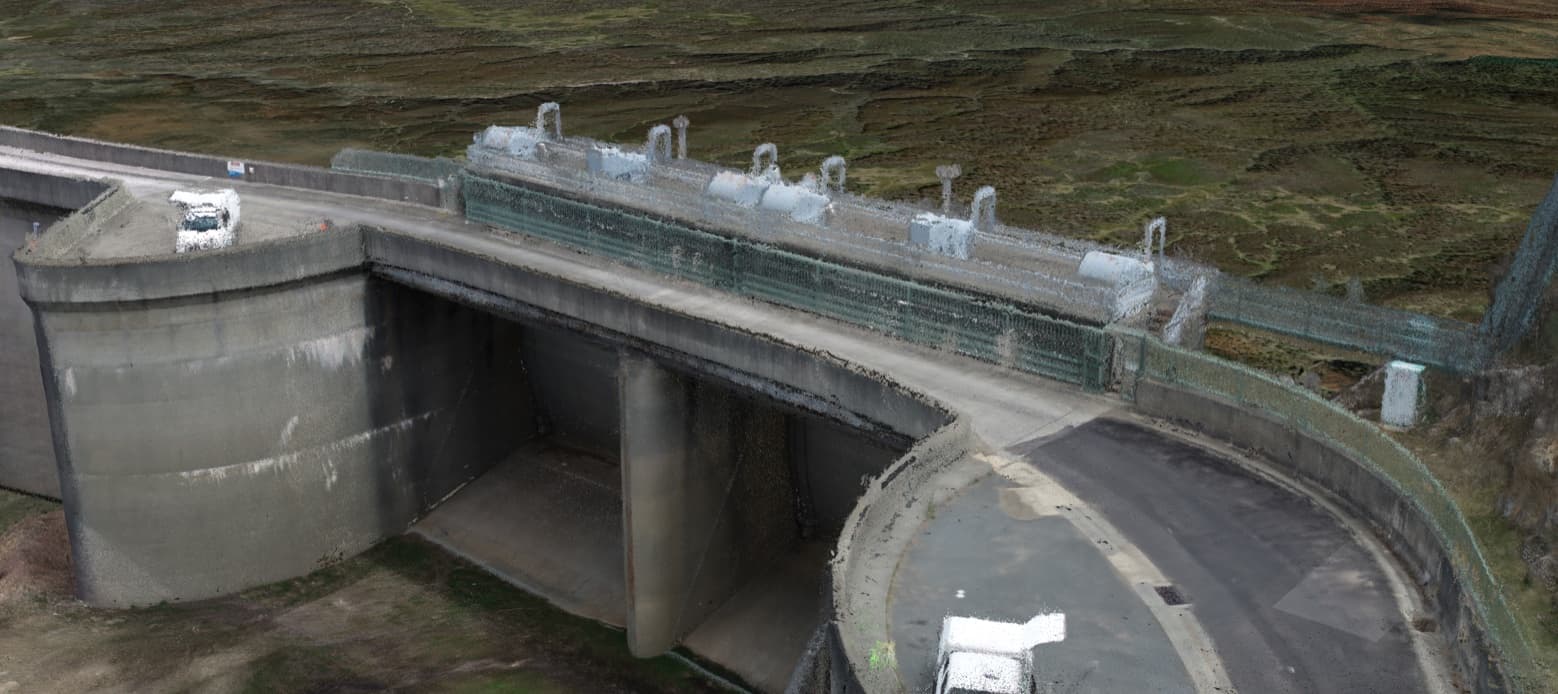
SmartData terrain model view for site measurement

What 2D Mapping enables

The 2D viewer is the operational layer for asset owners who need spatial context, clean evidence, and repeatable review cycles.

Orthomosaic Review

Explore high-resolution stitched imagery in the browser, with asset context preserved for non-GIS stakeholders.

Terrain & Measurement

Measure distance, area, elevation, stockpiles, and terrain change without exporting data into a separate desktop tool.

Repeat-Capture Comparison

Compare current and historical datasets to understand progress, movement, encroachment, or site condition change.

Annotation & Evidence

Mark areas of concern, add comments, and export evidence so field teams and asset owners can act on the same view.

Corridor Context

Support powerline, vegetation, rail, road, and linear asset review with map layers and spatially grounded inspection data.

Secure Sharing

Let stakeholders review the latest site state through a governed SmartData workspace rather than static file drops.

Where the map becomes the shared source of truth

2D Mapping fits programs that need repeat capture, quick inspection, and evidence that can be understood across operations, engineering, and management.

Mine site progress and stockpile context
Power corridor vegetation and access review
Construction progress and earthworks checks
Roof, facility, and campus asset mapping
Environmental monitoring and land change
Infrastructure corridor planning

From site map to shared evidence

Every capture follows the same practical rhythm: publish the data, make the observations, and share evidence the wider team can use.

1

Publish the map

Host orthomosaics, elevation outputs, contours, and supporting layers in a single project view.

2

Measure and compare

Inspect progress, terrain, vegetation, asset access, and change over time with tools built for repeat work.

3

Export the evidence

Share annotated map context with the teams responsible for scheduling, maintenance, design, or compliance.

Review a real site map in SmartData

Bring a sample dataset, inspection workflow, or corridor problem. We will map the right SmartData path and show where the sandbox experience can support your own asset workflow.