
01
Where is the issue?
Find it in context.
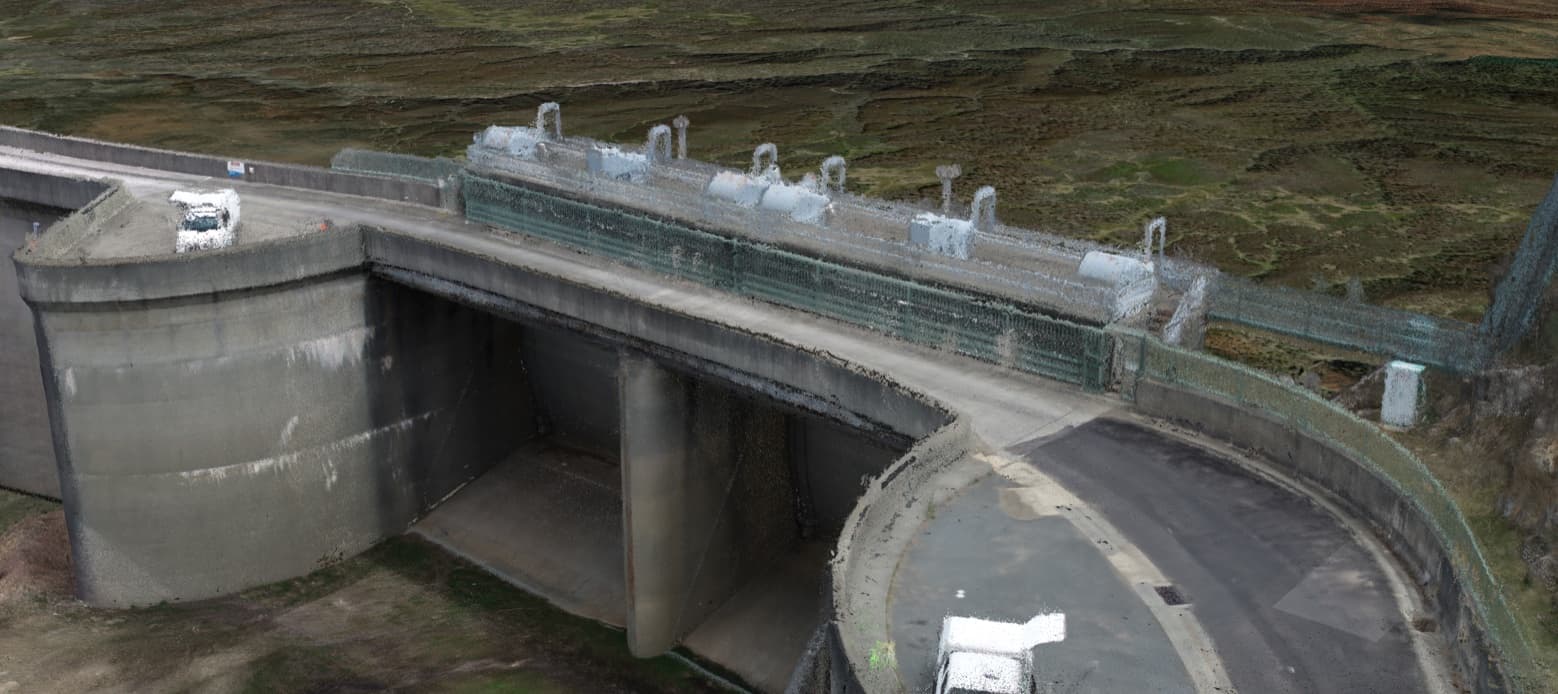
Explore the model, map or point cloud. Locate the area that needs a closer look.
Asset intelligence. Evidence first.
Know what needs attention.
See the evidence behind it.
Bring field imagery, 3D models and inspection records into one workspace. Give your team a clearer basis for the next decision.
No login required. Start with a sample asset.
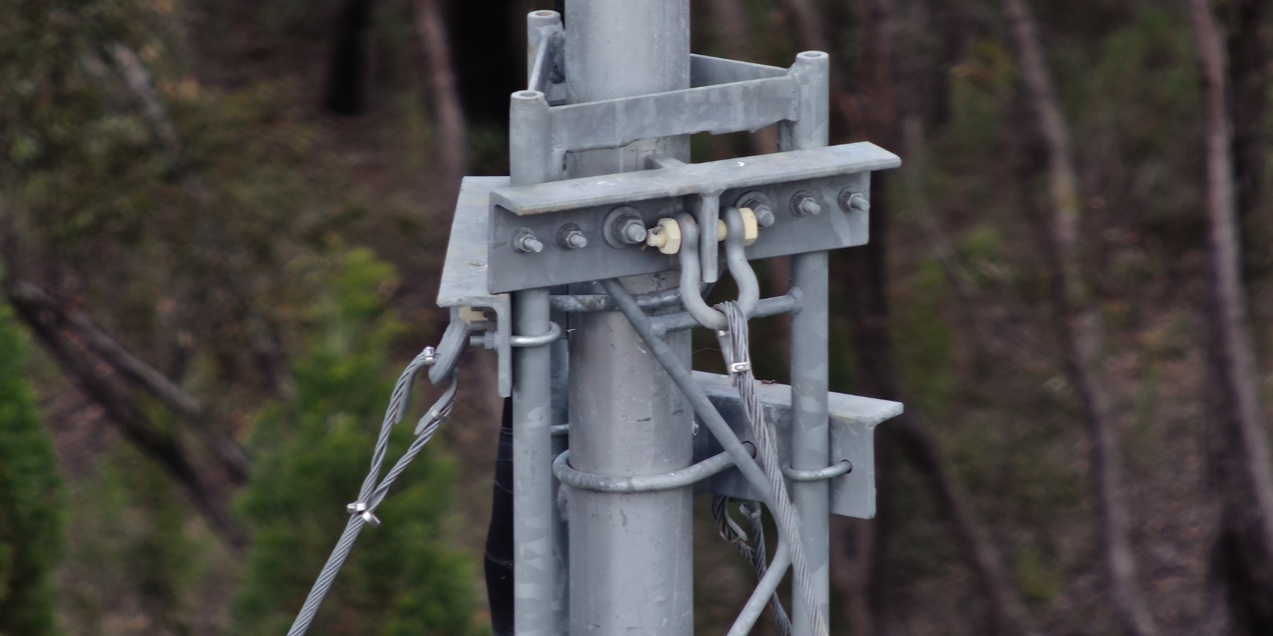
Built by National Drones. Shaped by work in the field.
Take a closer lookThe whole asset. The important detail.
When the model, imagery and inspection record live together, your team can spend less time piecing the story together.
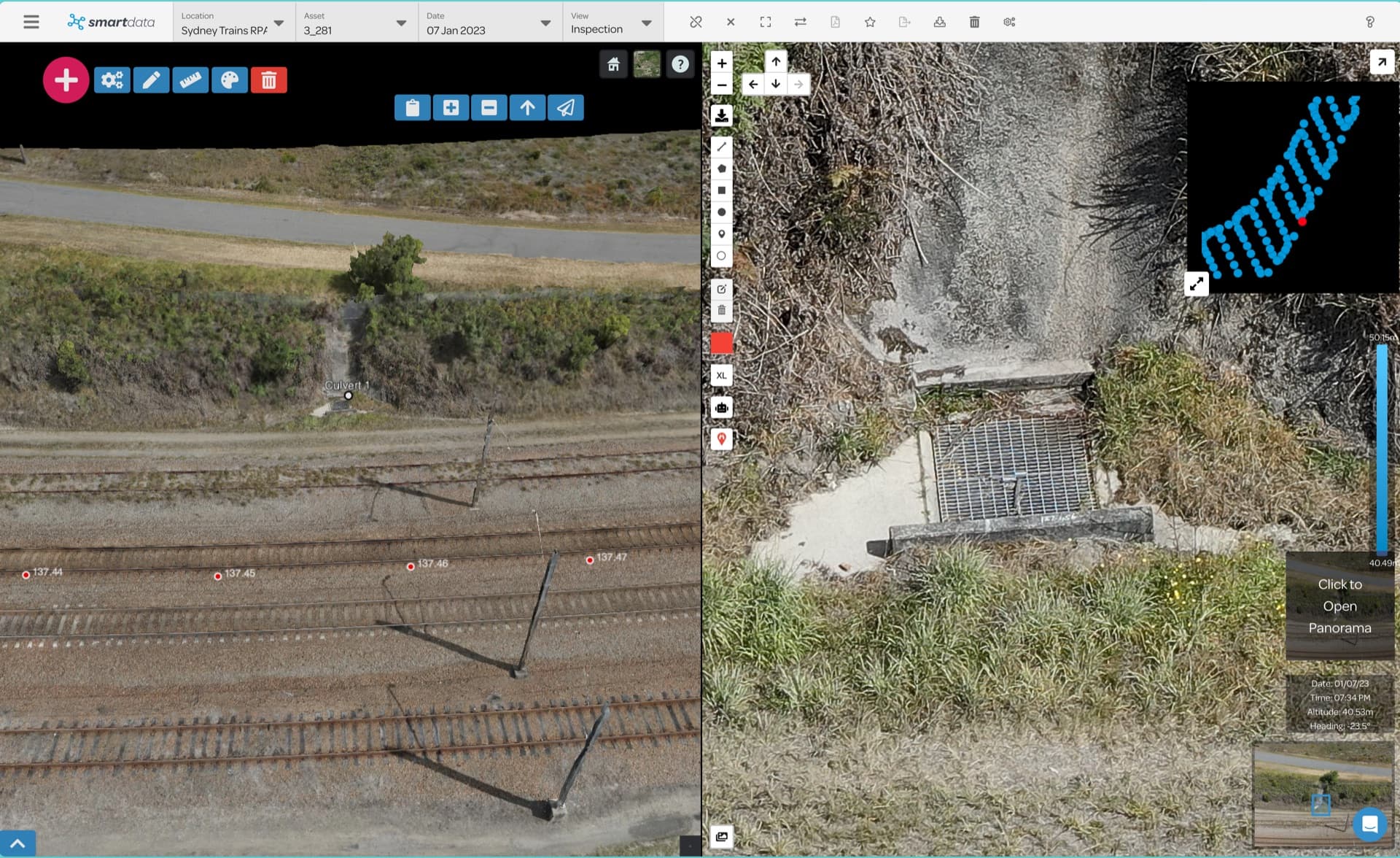
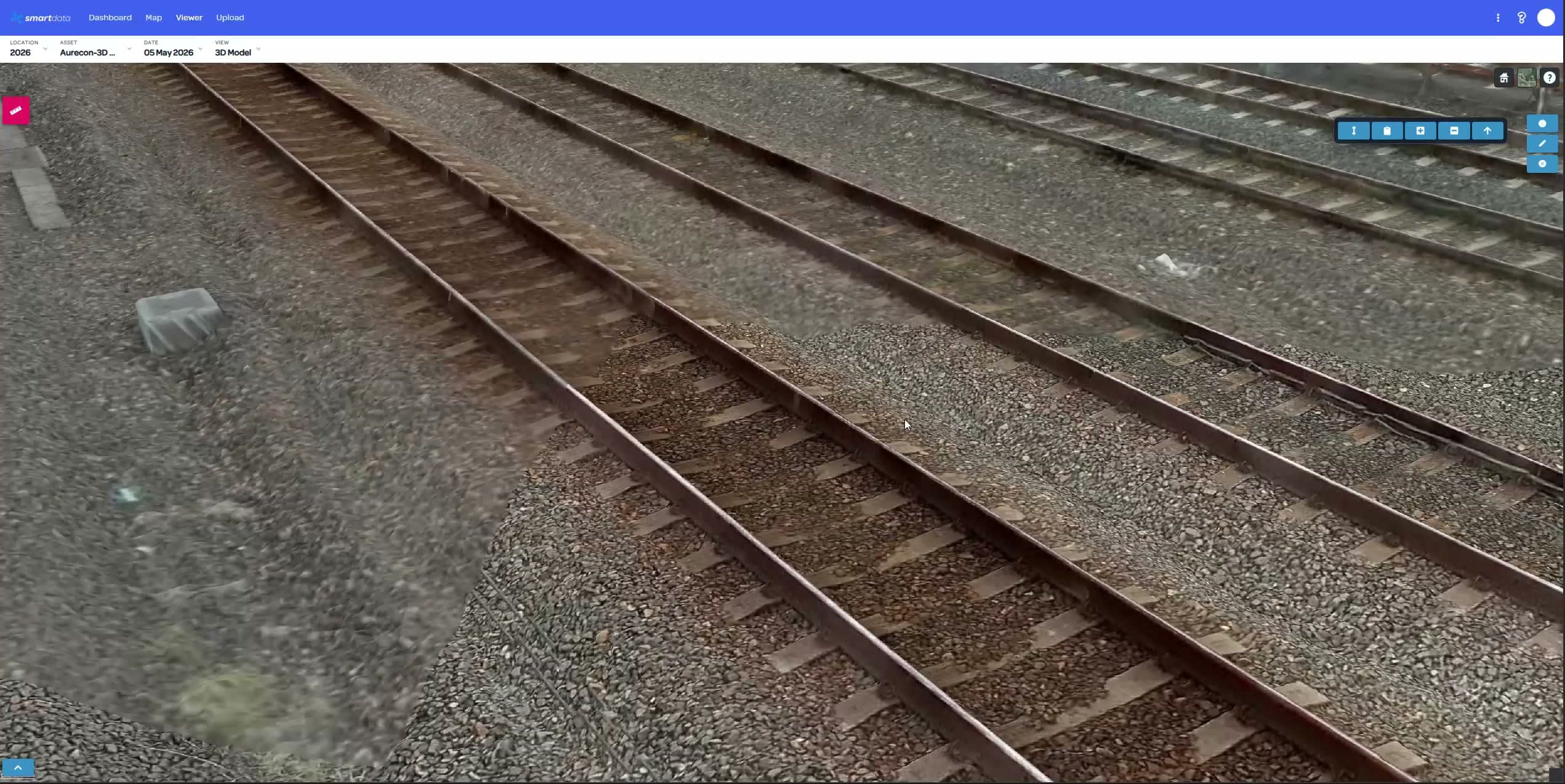
See the asset in context. Inspect the detail beside it.
Rail inspection · 3D model and source imagery01 Locate the issue
02 Check the detail
03 Record the finding
04 Share the evidence
Make the next decision easier
Three questions every inspection should help you answer.
Where is the issue?
Explore the model, map or point cloud. Locate the area that needs a closer look.
What does the evidence show?
Review the original imagery beside the asset. Use the detail to support your assessment.
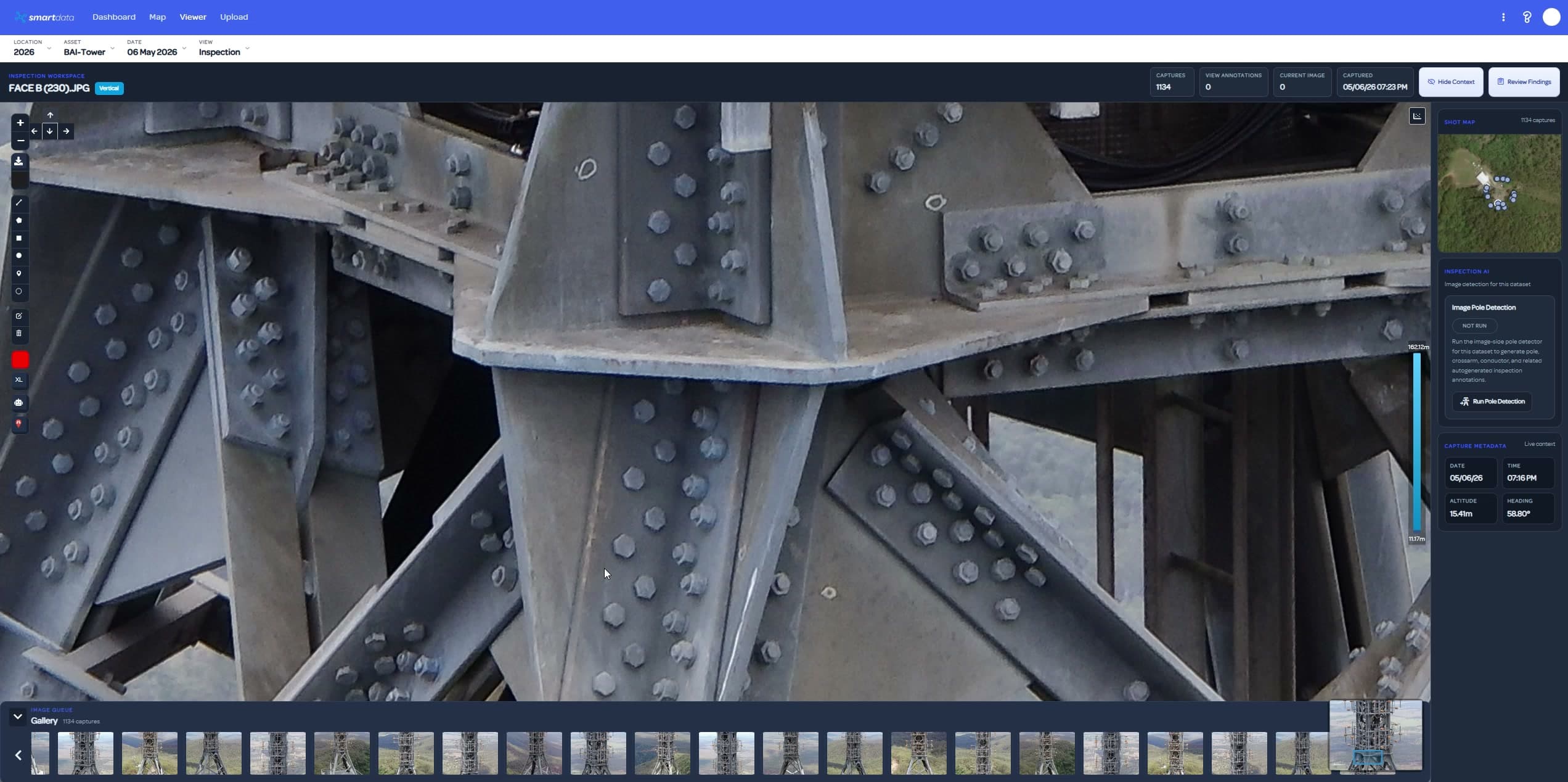
Can the next person follow it?
Keep annotations and inspection records with the asset. Use reports and exports to share your review.
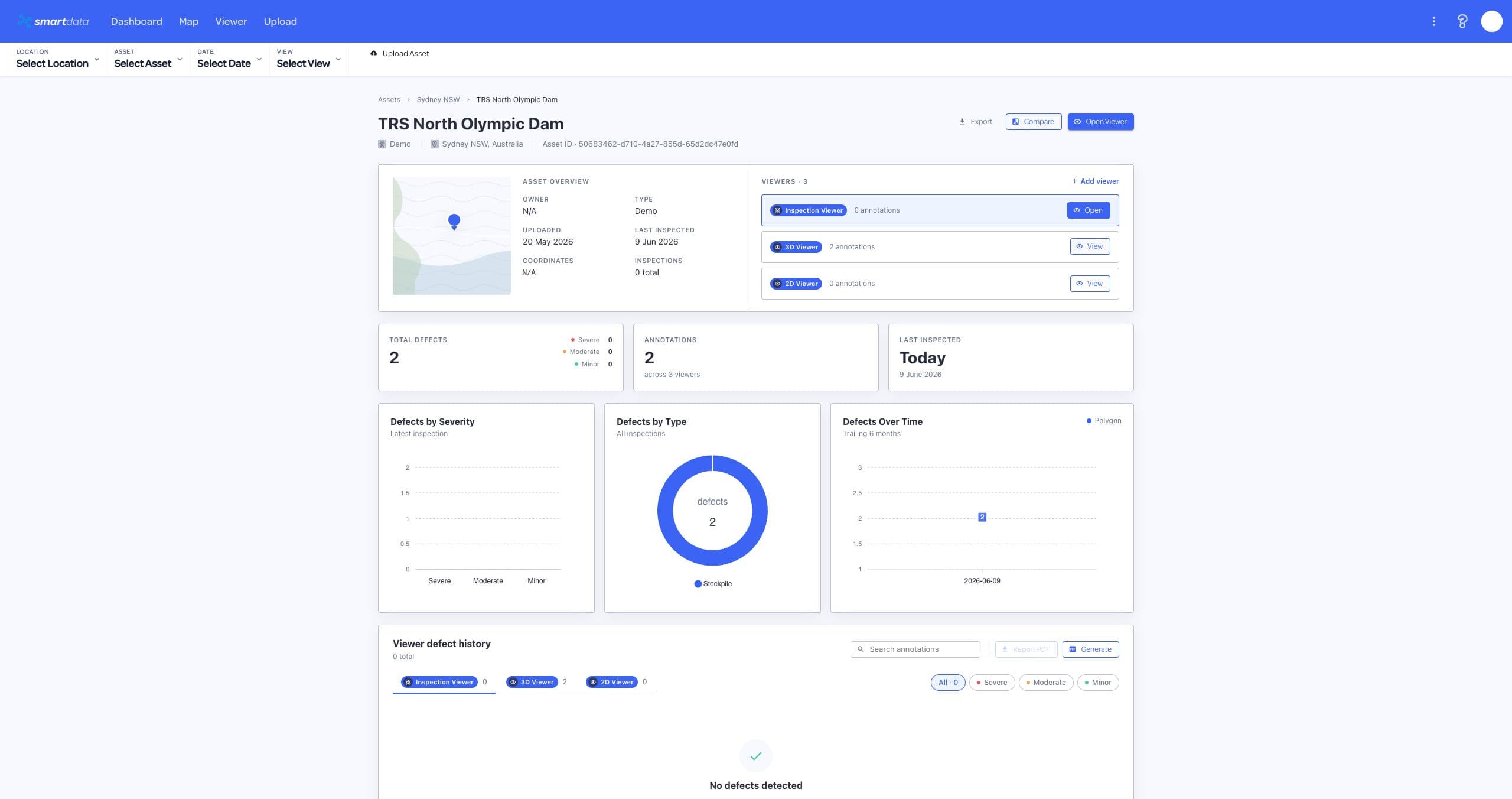
Want to see the full inspection workflow? Let’s walk through your use case
See SmartData in action
Take a quick tour of the workspace. See how your team can explore assets, review imagery and work with field data.
Show me my workflowBuilt for work in the field
Start with the job you need to do. Find the workflow that fits your data and your team.
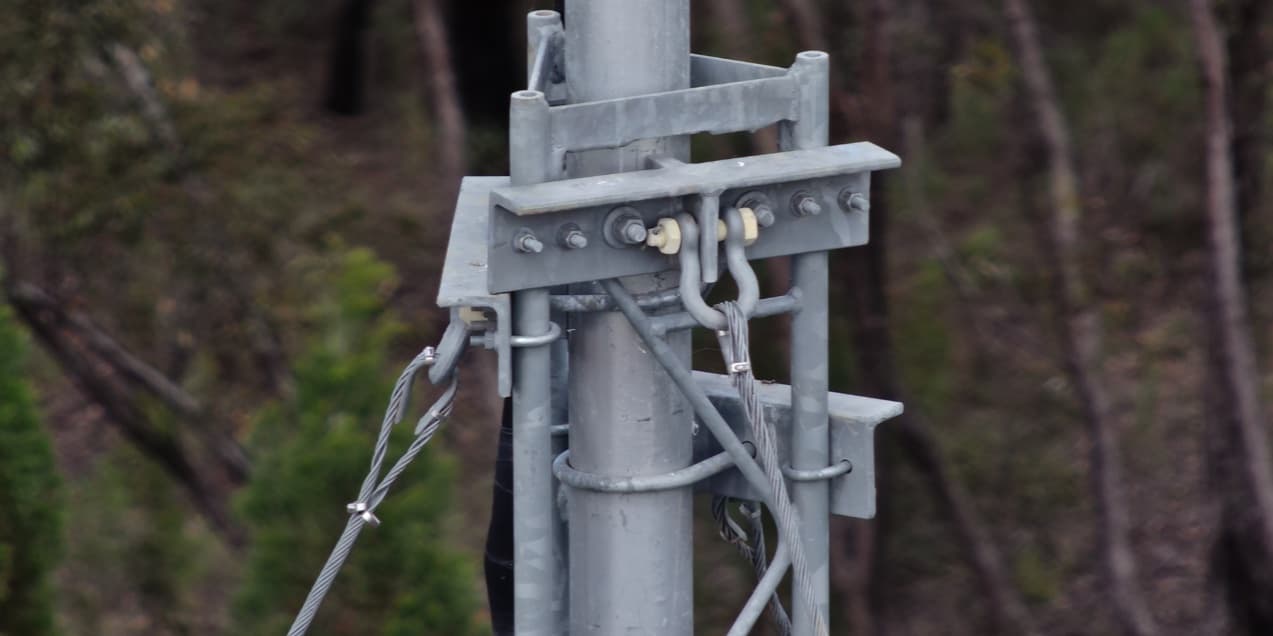
Image review & reporting
Put the condition of an asset in context.
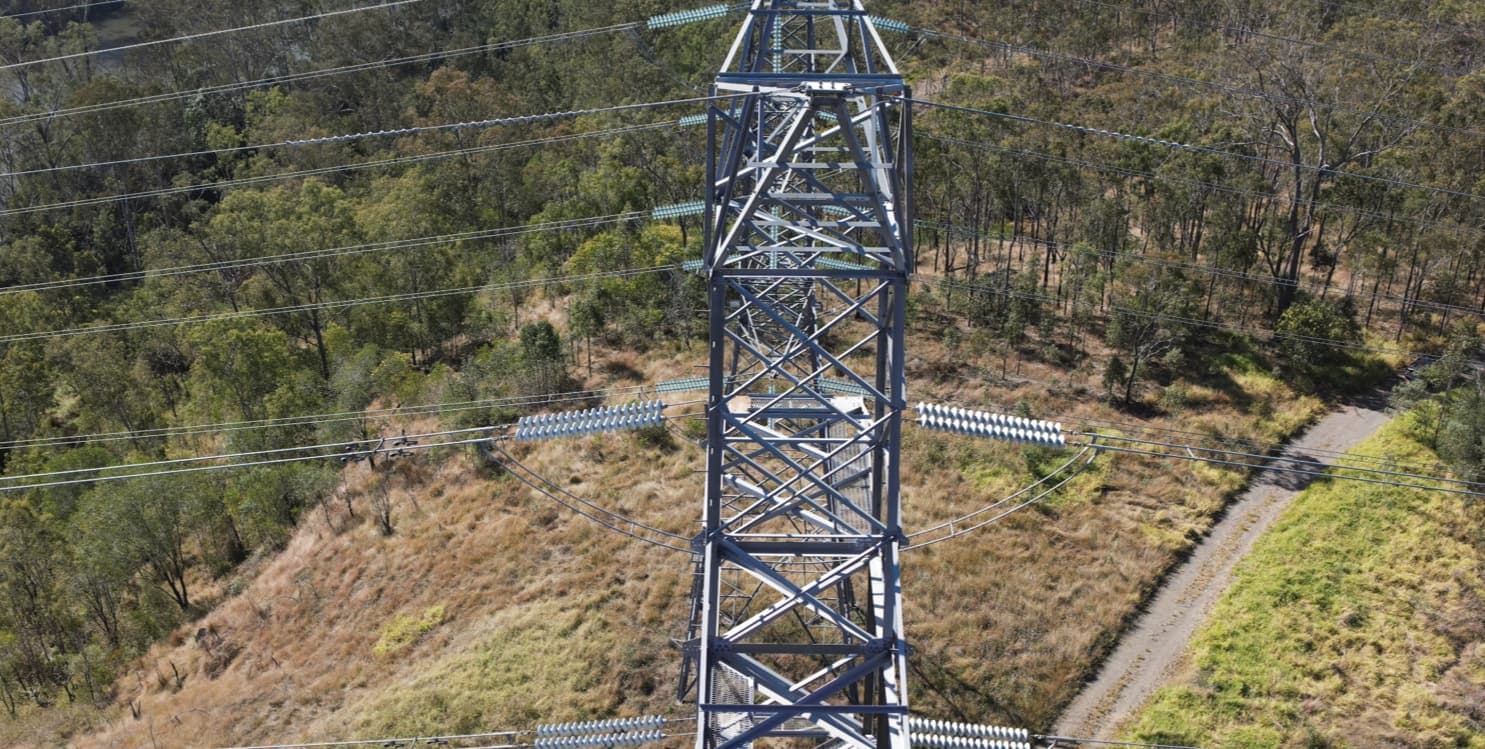
Scoped pilots
Explore corridor and powerline analysis.
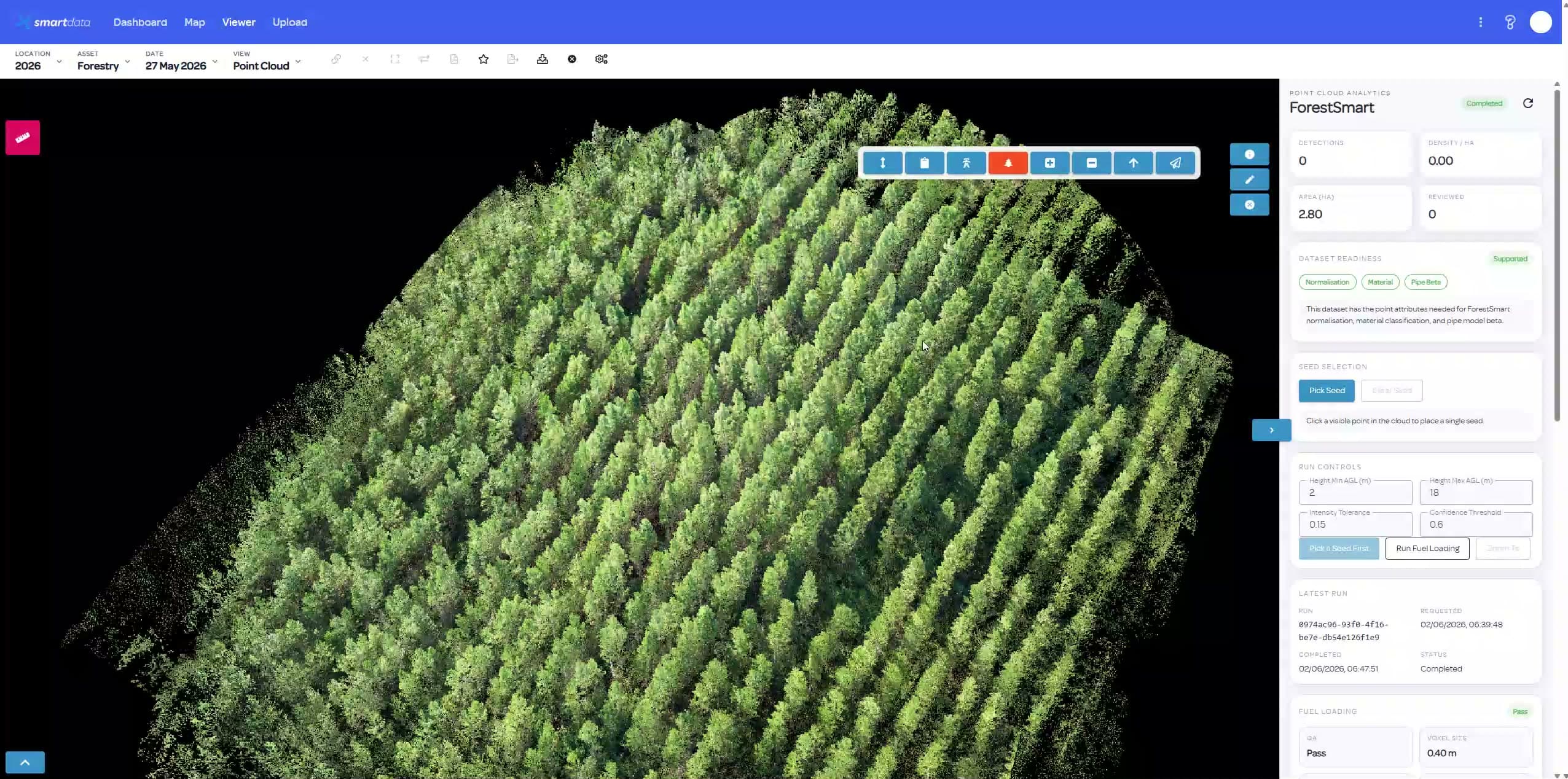
In development
Explore the next step in forest intelligence.
Hosted data review
Give clients a place to explore your work.
Already have viewer-ready datasets? Keep your processing tools. Host supported outputs in SmartData and give clients a browser-based review workspace.
Explore BYO hostingBefore you get started
Have a specific dataset or project in mind?
Talk it through with us.
Start with one asset
Show us what you need to review.
We’ll show you how SmartData can help.