SmartData
Menu
Try demo sandbox1300 759 843hello@nationaldrones.com.au

3D asset intelligence for complex sites and structures

Review models, point clouds, LiDAR, terrain, source photos, and Gaussian Splat outputs in a SmartData workspace built for evidence-led asset decisions.

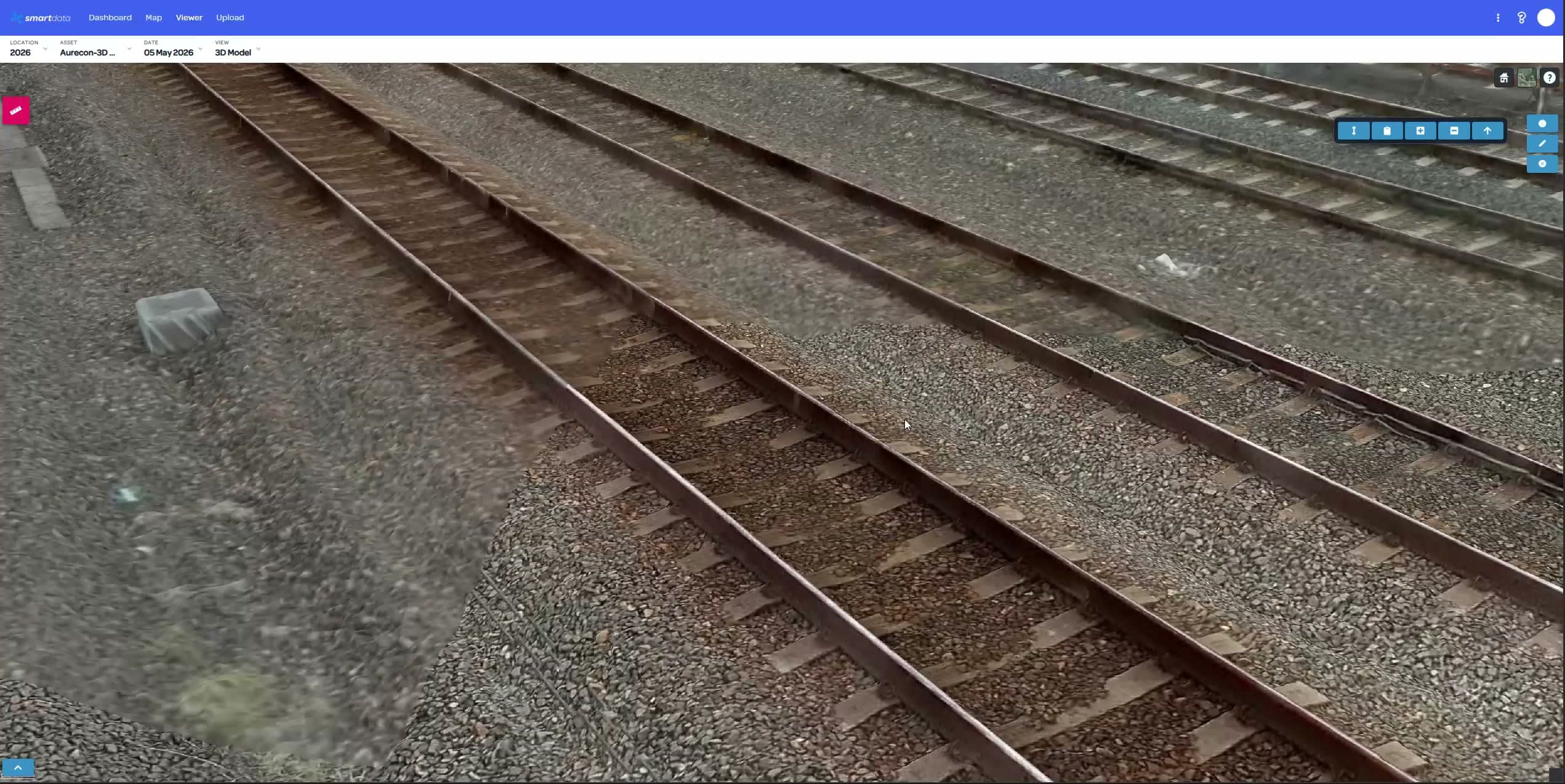
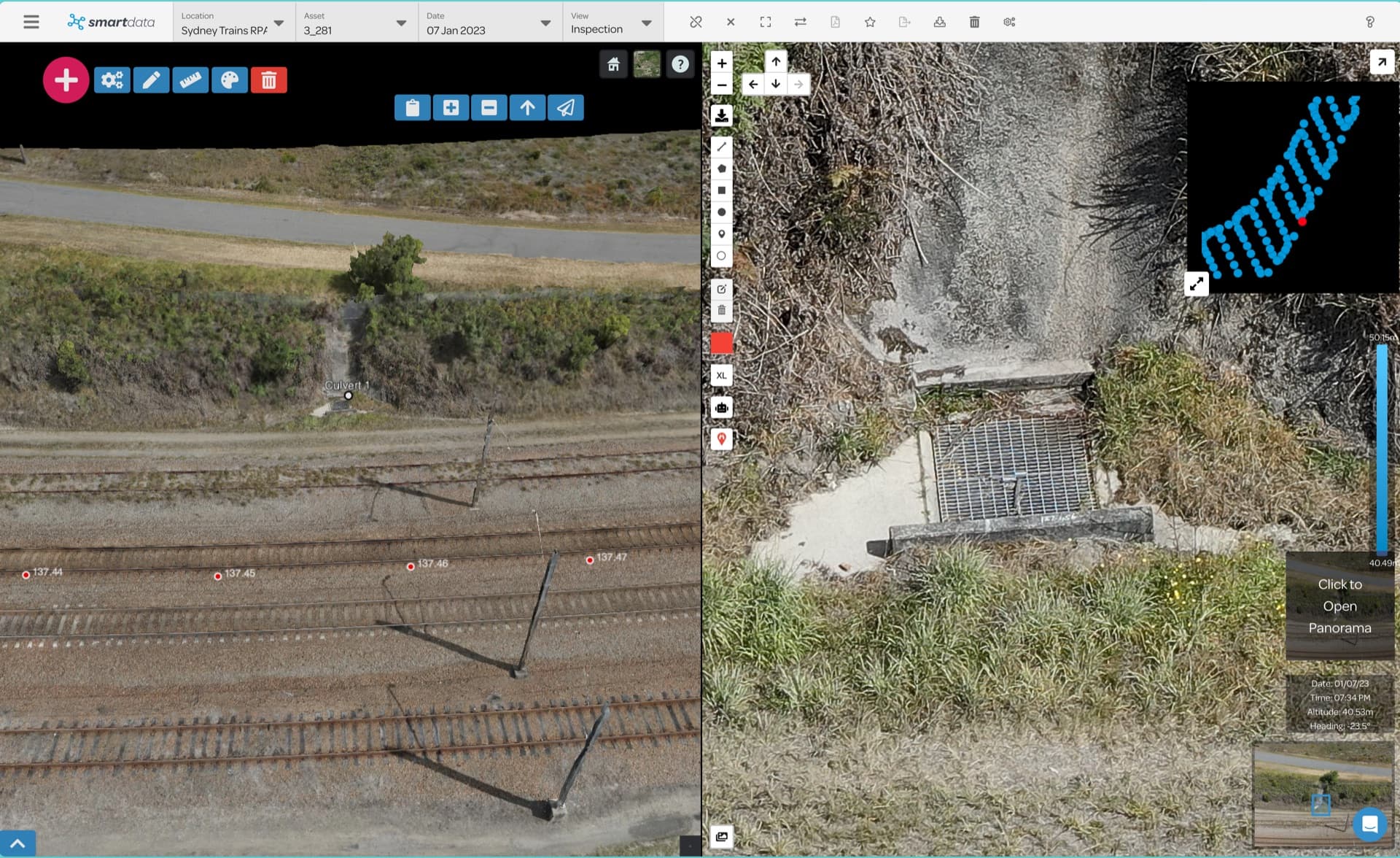
SmartData point cloud and 3D asset intelligence view

View modes

8

Context

3D + source

Outputs

Reports

Choose the view that answers the question

Some questions need a crisp model, some need a dense point cloud, and some need immersive splat context. SmartData keeps those views close together so teams can inspect, validate, and explain the result.

SmartData 3D infrastructure model visualisation

Capabilities built around spatial confidence

The 3D surface is strongest when it connects visual quality, measurements, source evidence, and team review in one repeatable workflow.

3D Models

Inspect photogrammetry and digital twin outputs in the browser with spatial context connected to the source project.

Point Clouds & LiDAR

Review dense point clouds and LiDAR-derived context for structures, corridors, vegetation, terrain, and complex assets.

Gaussian Splat Views

Use immersive splat visualisation for high-fidelity site context where a standard mesh or map is not enough.

Source Photo Traceability

Keep the model connected to source images and inspection evidence so review teams can trust what they are seeing.

Measurements & Volumes

Support distance, area, terrain, and stockpile workflows where teams need usable numbers from spatial data.

Asset Change Over Time

Compare repeat captures to understand deterioration, construction progress, vegetation growth, or site movement.

A practical viewer set for modern capture outputs

SmartData keeps modern spatial outputs together: point clouds, splats, terrain, source imagery, and models that can be reviewed in context.

3D mesh
Point cloud
LiDAR corridor
Gaussian Splat
Terrain surface
Source imagery
Thermal overlay
CAD or GIS context

From spatial output to asset evidence

Upload the model stack, inspect the asset in context, then attach the decision back to the project.

1

Load the model stack

Bring 3D models, point clouds, terrain, and splats into a project workspace with related files and context.

2

Inspect from the right view

Move between visual modes to confirm asset condition, clearance, geometry, and surrounding site context.

3

Attach the decision

Use notes, measurements, reports, and exports to preserve the evidence behind engineering or maintenance action.

Put your next 3D dataset into a review workflow

Bring a sample dataset, inspection workflow, or corridor problem. We will map the right SmartData path and show where the sandbox experience can support your own asset workflow.