
Orthomosaic hosted views
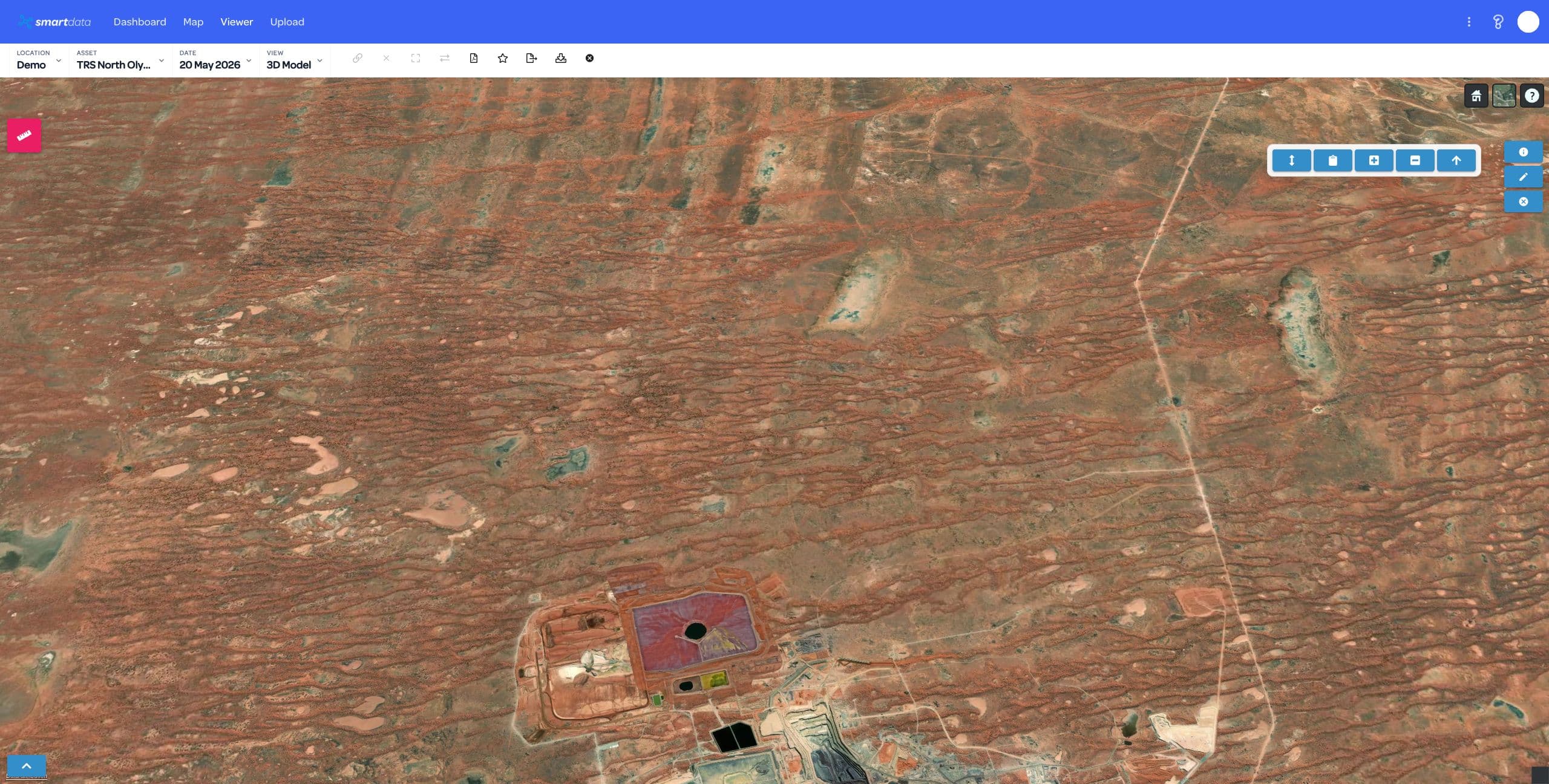
An orthomosaic prepared as a supported tiled package for browser review.
Bring your own processed data
Give clients and colleagues a browser view of your maps, models and point clouds. Bring a supported package from DJI Terra, Agisoft Metashape or your existing processing workflow.
BYO hosting is for processed, viewer-ready packages. Raw-data processing and specialist analysis require a separate scope.
Your processing software can provide the source outputs. SmartData needs a supported package prepared for the hosted viewer.
An orthomosaic prepared as a supported tiled package for browser review.
A browser-ready 3D Tiles package from a completed model workflow.
A tiled point cloud package prepared for the hosted viewer.
A supported Gaussian Splat package with the assets needed for the hosted view.
These files may need conversion or tiling before upload. Raw photos and DJI or Agisoft project folders also need separate processing. Ask us to check your output before you choose a plan.
Check my package with the team →| Your output | The supported package | Needs preparation |
|---|---|---|
| Orthomosaic | Supported ortho hosted-view package | Loose GeoTIFF-only exports unless conversion is quoted |
| 3D model | Cesium 3D Tiles package | Loose OBJ, FBX, textures, or source folders |
| Point cloud | Tiled point cloud hosted-view package | Loose LAS or LAZ files without viewer-ready tiling |
| Gaussian Splat | Gaussian Splat hosted-view package | Arbitrary splat folders or unsupported viewer assets |
Choose the number of datasets you need to keep active. These prices cover BYO hosting; processing and specialist analysis are quoted separately.
For your first supported, processed dataset.
AUD 149/year
For a small team with a few active datasets.
AUD 249/year
For regular uploads and a wider review team.
AUD 249/month
For larger data programs and an agreed platform scope.
Custom pricing
Storage is a fair-use allowance. Additional storage needs a manual account review. The team will discuss any extra scope and cost with you.
Check package compatibility. Choose Dataset Pass, Starter or Pro, then create the account with your selected plan.
Upload the prepared package. Check the hosted dataset and confirm that the view meets your review needs.
Give the intended reviewers access within your plan allowance. Keep the hosted dataset available for the project.
Practical answers about supported data, processing and hosting allowances.
You create the SmartData account with the selected BYO plan, prepare a supported upload package, upload the dataset, and then use the hosted viewer to share and review it with your seats.
Turnaround depends on package size, readiness, and whether conversion work is needed. Viewer-ready supported packages are the fastest path; files that need processing or conversion are quoted separately.
BYO hosting is for processed hosted-view packages including orthomosaic, Cesium 3D Tiles, tiled point cloud, and Gaussian Splat views.
SmartData can quote conversion or processing separately, but BYO hosting should not be treated as a raw photo, raw project folder, loose GeoTIFF, loose LAS or LAZ, OBJ, FBX, or arbitrary file upload product.
Dataset count is the main customer-facing limit. Storage is included as a fair-use infrastructure allowance so the hosted viewer remains reliable.
For the current plans, storage overage is handled by manual account review. SmartData does not promise automatic overage billing for BYO hosting.
These functions are not included. Processing and specialist analysis require separate scope and availability checks. Forestry analytics remain in development.
BYO Enterprise is a contact-led sales path for larger asset teams that need custom or unlimited datasets, custom seats, a 5 TB baseline, or a broader platform scope.
Ready with a supported package? Start with Dataset Pass. If you need help with the format, ask the team to check it first.